(This one is for you, BG!)
My client asked me to show him how to certify his SDI for continuing disability. While writing him the email, I thought, why not share it with the world? So here it goes:
- After you log into your EDD online account and SDI claim, go to the Inbox.
- In the Inbox, find the message “Claim for Continued Benefits” and click it (see below).

- In the message, find the link “Forms Available to Submit” and click it.

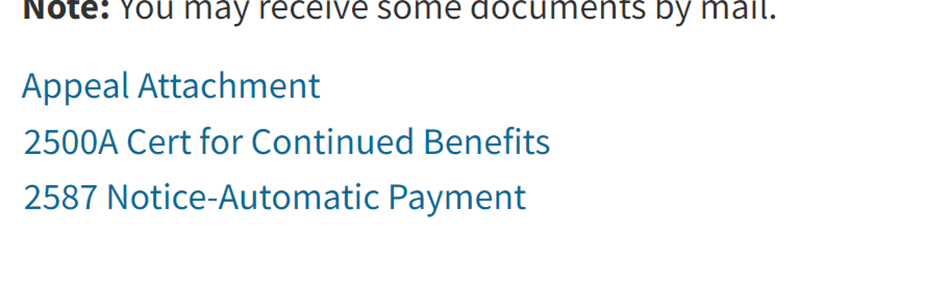
- Find the e-form “2500A Cert for Continued Benefits” and click it.
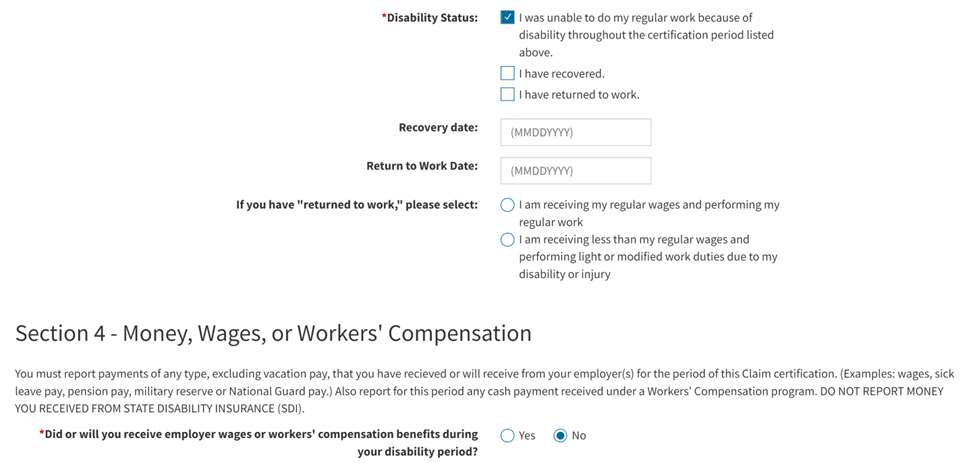
- Now you are (finally) at the form. Click that you are still unable to work and that you have not received wages from your employer for the certification period (of course, if you have returned to work, enter your return-to-work information instead).
- Click on the acknowledgement, add any additional information you would like the EDD to know, then submit.

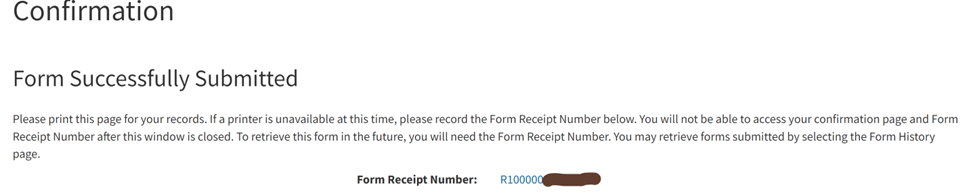
- After submission, you will get a confirmation with a receipt number (R number); you can download a copy of the completed 2500A form by clicking the R number.
- That’s it! You are done!
 Andy Chu, Esq.
Leave a comment